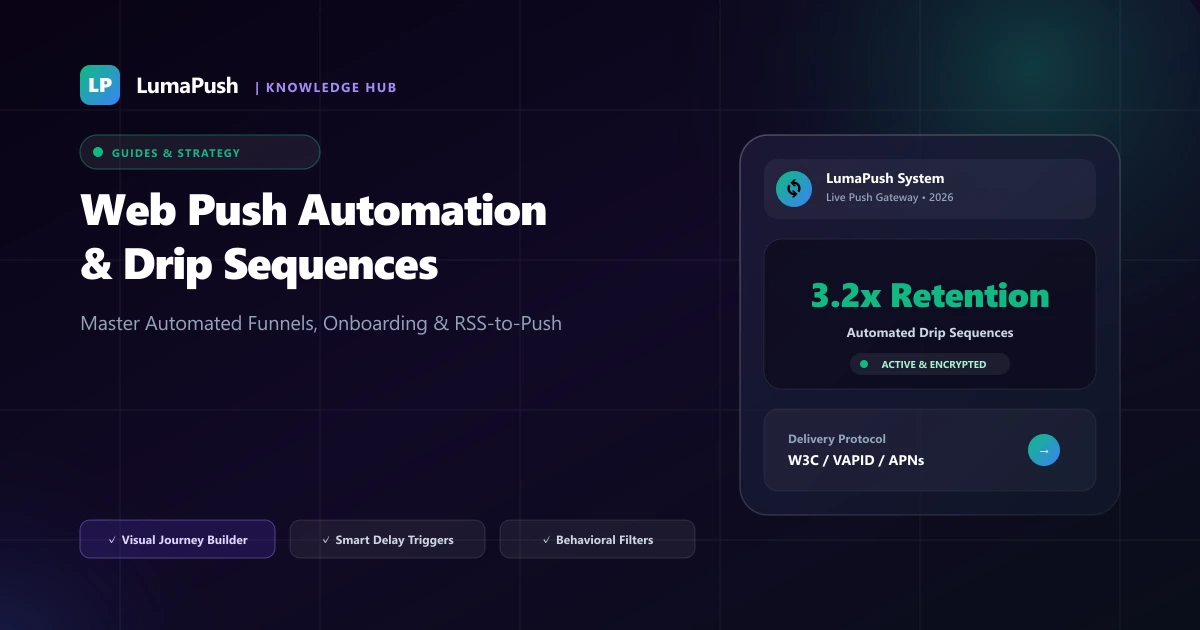
Manually logging into your marketing dashboard to write, format, and schedule push notifications every day is inefficient, error-prone, and impossible to scale as your audience expands. Top-performing digital brands, high-growth ecommerce stores, and media publications generate over 65% of their total push notification revenue through automated workflows that trigger dynamically based on subscriber actions, scheduled sequences, and real-time RSS feeds.
Automated web push workflows operate 24 hours a day, 7 days a week. The moment a new user subscribes, abandons a checkout cart, or reads a specific content category, your automation engine delivers a personalized, timely message at the exact moment of peak user interest. In this comprehensive playbook, we break down how to design, test, and deploy automated web push drip sequences that maximize retention and customer lifetime value in 2026.
Why Event-Driven Push Automation Outperforms Manual Broadcasts
When you send a manual, batch-and-blast notification, you are dispatching a single message to everyone at a fixed point in time regardless of their individual stage in the customer journey. Some users joined five minutes ago, while others have not visited in months. In contrast, event-driven push automation responds immediately to individual behavioral signals:
- Relevance: Messages directly address what the subscriber just viewed or did on your site.
- Timeliness: Alerts arrive within minutes of high-intent actions like cart additions or signups.
- Scalability: Once configured, automated sequences run perpetually, generating revenue on autopilot without daily marketing labor.
Core Automated Web Push Workflows Every Website Needs
High-converting push automation relies on five foundational campaign triggers:
1. The 3-Step New Subscriber Welcome Drip
When a visitor clicks "Allow" on your opt-in prompt, their engagement and brand curiosity are at their absolute highest. A single welcome notification is good, but a structured 3-day welcome sequence nurtures them into loyal power users:
- Step 1 (Trigger: Immediate, 0 minutes): "Welcome to LumaPush! 👋 Thanks for subscribing. Here is your quick-start guide to boosting conversions." (Link: Getting Started page).
- Step 2 (Trigger: 24 Hours Later): "Discover our top 5 most popular guides & tools used by 10,000+ growth marketers." (Link: Top Articles).
- Step 3 (Trigger: 72 Hours Later): "Pro Tip: Set up automated abandoned cart recovery in under 3 minutes." (Link: Cart Recovery Playbook).
2. Automated RSS & WordPress Post Broadcasting
For bloggers, news publications, and content publishers, publishing a new article should automatically alert your audience without manual copy-pasting. By connecting your website's RSS feed, your push platform automatically parses new headlines, extracts the featured image, and broadcasts the alert within seconds of publishing. See our WordPress Push Setup Guide.
3. Behavioral Category Re-Engagement
If a subscriber browses your "Electronics" or "SaaS Tools" category three times without converting, an automated trigger can dispatch a targeted recommendation 6 hours later offering a curated buyer's guide or relevant category discount.
4. Automated Abandoned Cart & Checkout Recovery
In ecommerce, cart abandonment accounts for billions in lost revenue annually. Setting up a 3-tier automated push sequence (1 hour, 24 hours, 48 hours) recovers up to 33% of abandoned carts with zero manual intervention. Read our deep dive on Ecommerce Cart Recovery with Push.
5. Win-Back Inactivity Triggers
Subscribers who have not visited your site in 30 days are at risk of churning permanently. An automated win-back trigger can deliver a personalized alert: "We miss you! Here is what's new + an exclusive 15% VIP welcome-back code."
Automated Push Workflow Architecture & Benchmarks
| Workflow Type | Trigger Event | Optimal Delay | Expected Conversion / CTR |
|---|---|---|---|
| Welcome Sequence | New Opt-In Permission | Instant → Day 2 → Day 4 | 12.4% – 18.0% CTR |
| Abandoned Cart | Item in cart & page closed | 30 Min → 24h → 48h | 22% – 33% Recovered |
| RSS Auto-Publish | New XML Feed Item | Real-Time (<60s) | 7.8% – 11.5% CTR |
| Win-Back Inactivity | No site visit in 30 days | Day 30 (Local 11:00 AM) | 5.2% Re-engaged |
Technical Implementation: Custom Event Tracking
To trigger custom behavioral sequences from your website frontend or single-page application (React, Next.js, Vue), use the lightweight LumaPush JavaScript event dispatching API:
// Trigger custom automated sequence in LumaPush
window.lumapush = window.lumapush || [];
lumapush.push(['trackEvent', 'course_enrolled', {
  course_id: 'seo_mastery_2026',
  course_name: 'Enterprise SEO & Push Notifications Mastery',
  user_tier: 'premium_member',
  enroll_date: new Date().toISOString()
}]);
Once dispatched, the LumaPush backend evaluates active drip triggers and enrolls the subscriber in the corresponding automated workflow.
Designing High-Converting Drip Triggers in LumaPush
Building automated workflows in LumaPush is straightforward thanks to our visual flowchart builder. Let us walk through the process of setting up a high-converting onboarding workflow:
- Define the Entry Trigger: Select Trigger: Subscriber Created. Add filter conditions if you only want to target specific geographic countries or traffic sources (e.g., Organic Search vs Paid Ads).
- Add Step 1 (Instant Greeting): Compose a friendly welcome notification. Use rich media such as your brand icon and a 2:1 hero image showcasing your most popular product or resource.
- Configure Time Delay: Add a Delay: 24 Hours block to give the user time to explore your site without feeling spammed.
- Add Step 2 (Educational Content): Highlight your top-rated guide, customer case study, or video tutorial. Include two action buttons for customized navigation.
- Add Exit Conditions: Set exit rules so that if the user makes a purchase, registers for a paid plan, or completes your primary goal, they automatically exit the sequence.
For more copywriting tips and layout ideas, consult our guide on Rich Push Notifications & Action Buttons.
Best Practices to Avoid Over-Messaging & Churn
While automation increases revenue, unchecked automated triggers can flood subscribers with too many messages. Follow these essential rules:
- Smart Frequency Capping: Configure global frequency limits so no individual user receives more than 1 automated push every 24 hours. Learn more in our guide on Avoiding Push Notification Fatigue.
- Automatic Cancellation on Conversion: Ensure cart recovery workflows immediately terminate if the user completes checkout on Step 1.
- Local Time-Zone Respect: Never dispatch automated drips during sleeping hours (10:00 PM – 8:00 AM in the subscriber's local time zone).
- Use Rich Push Media: Enhance automated notifications with custom icons and action buttons (see Rich Push Best Practices).
Explore how LumaPush Automation Studio lets you design visual drip sequences and RSS triggers with zero coding. Compare our features and flat plans on our pricing page.
Case Study: How an Ecommerce Brand Recovered $48,000/Month with Push Automation
An online lifestyle apparel brand with 85,000 web push subscribers struggled with a 72% cart abandonment rate on mobile devices. They implemented the 3-step LumaPush automated cart recovery workflow:
- Step 1 (30 Mins): Reminder push with the product photo and "Did you leave this behind?" resulted in a 16.2% CTR and $22,000 recovered in the first month.
- Step 2 (24 Hours): Urgency push stating "Items in high demand—holding your cart for 6 hours" recovered an additional $18,000.
- Step 3 (48 Hours): Final 10% coupon push brought in $8,000.
In total, the brand generated over $48,000 in incremental monthly revenue on a flat $49/month LumaPush plan—achieving a return on investment of over 900x.
Frequently Asked Questions (FAQ)
What is a web push drip sequence?
A web push drip sequence is an automated series of scheduled push notifications sent to individual subscribers over a set timeframe (e.g. Day 1, Day 3, Day 7) based on specific trigger events.
How does RSS-to-push work?
The push platform continuously monitors your website's RSS/XML feed. When a new article is detected, it automatically compiles the title, link, and featured image into a push broadcast.
Can automated workflows be segmented by subscriber location?
Yes. You can restrict automated workflows to specific geographic countries, browser types, languages, or custom tags.
Do automated sequences stop after a user makes a purchase?
Yes. Modern push automation engines like LumaPush support conditional exit goals. If a subscriber completes a purchase or clicks a specific link, they are automatically removed from remaining abandoned cart steps.
How many messages should be in an automated onboarding sequence?
A 3-part sequence spread over 5 to 7 days is the optimal standard across SaaS and content websites, achieving maximum retention without overwhelming new subscribers.
What is the impact of automated workflows on overall CTR?
Automated trigger-based push notifications routinely achieve click-through rates of 12% to 18%, which is more than double the engagement of generic manual blasts.
Can I test automated workflows before making them live?
Yes. In LumaPush, you can preview every message step and trigger a test sequence to your own browser before activating the workflow for public visitors.